

ResponseHub vs UpGuard: Which Handles Security Questionnaires Better?
UpGuard is best known for attack surface management and third-party risk scoring. Its questionnaire answering tool, Trust Exchange, arrived as a separate product in late 2025, complete with monthly import caps that can catch teams off guard. If you're researching alternatives to UpGuard for getting security questionnaires done faster, this page compares the two products head to head: pricing, AI answer quality, format support, and usage limits. ResponseHub is a dedicated questionnaire automation platform; UpGuard is a broad TPRM suite that bolted on questionnaire answering as a side product.
TL;DR: Pick ResponseHub if your core problem is answering security questionnaires, RFPs, and DDQs quickly with unlimited volume and cited AI answers. Pick UpGuard if you already run its TPRM platform and only need occasional, low-volume questionnaire support on top of it.
The difference comes down to a spotlight versus a floodlight. ResponseHub focuses intense, precise energy on one exact problem — answering security questionnaires — while UpGuard casts a wide beam across TPRM and attack surface management that covers a lot of ground but illuminates any single point less brightly.
If questionnaire volume is your bottleneck, the spotlight wins: unlimited usage, answers cited down to the sentence, and pricing you can see before you sign up. If you're already invested in UpGuard's risk platform, Trust Exchange can make sense as an add-on.
See also: The 5 Best OneTrust Alternatives in 2026
Which one is right for you?
Choose ResponseHub if…
- You answer questionnaires regularly and need unlimited volume — no import caps, no credits, no per-questionnaire fees.
- You want every AI answer cited to the exact policy, page, section and sentence, with a confidence score attached.
- You want to start today: 7-day free trial, fully self-serve, up and running in under 5 minutes from $124/month.
Choose UpGuard if…
- You already run UpGuard's TPRM and attack surface platform and want questionnaire answering under the same vendor.
- You genuinely handle one questionnaire a month or fewer — the Trust Exchange free tier covers that at zero cost.
- You value enterprise brand recognition and a vendor procurement teams may already have approved.
ResponseHub
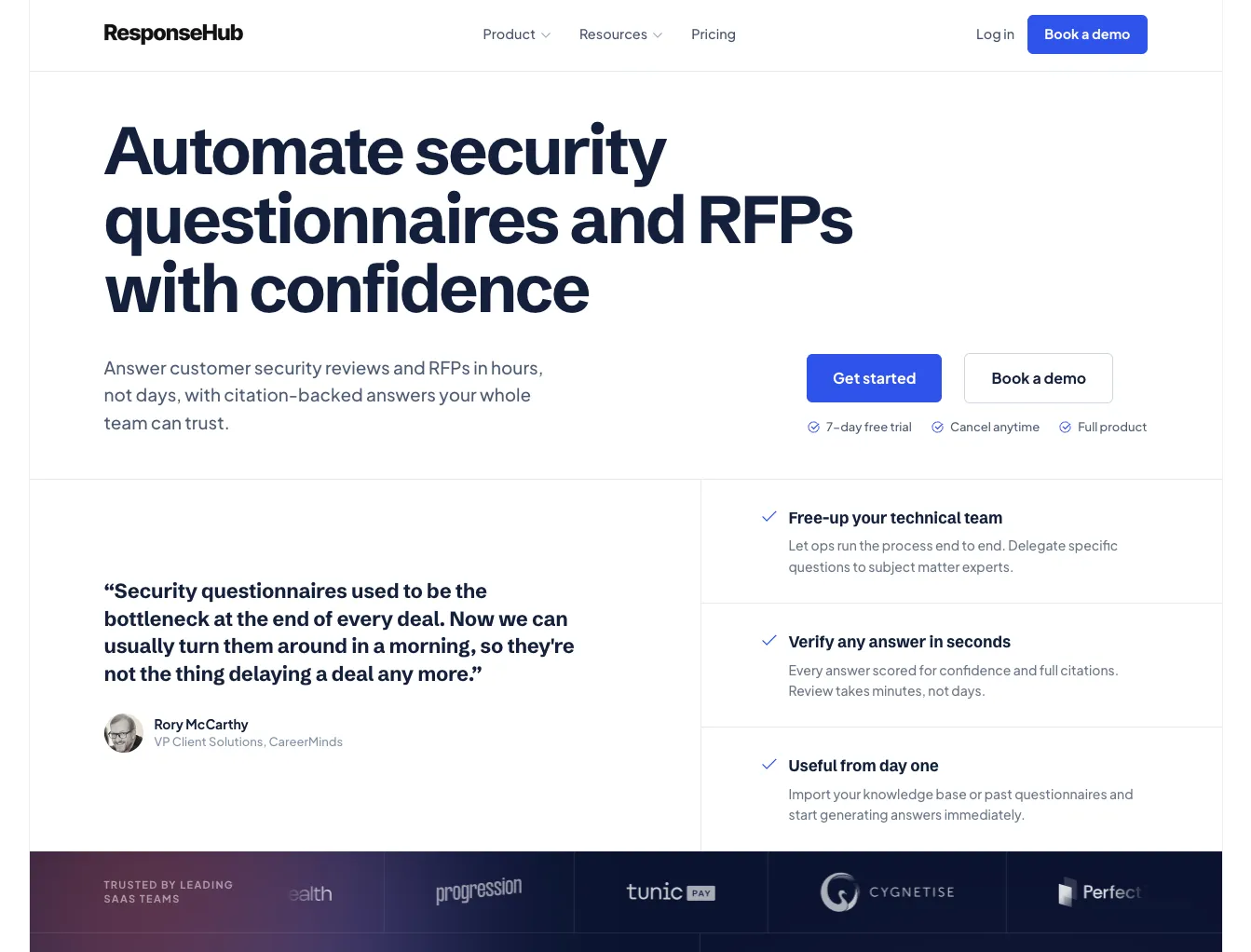
Questionnaire automationResponseHub is a purpose-built AI tool for answering security questionnaires, RFPs, and DDQs. You upload your policies as PDFs, import your existing answer library or old completed questionnaires, and the AI drafts answers grounded in your actual documents, citing exact policy name, page, section, and sentence. Every answer gets a confidence score so your team knows exactly where to focus human review.
UpGuard
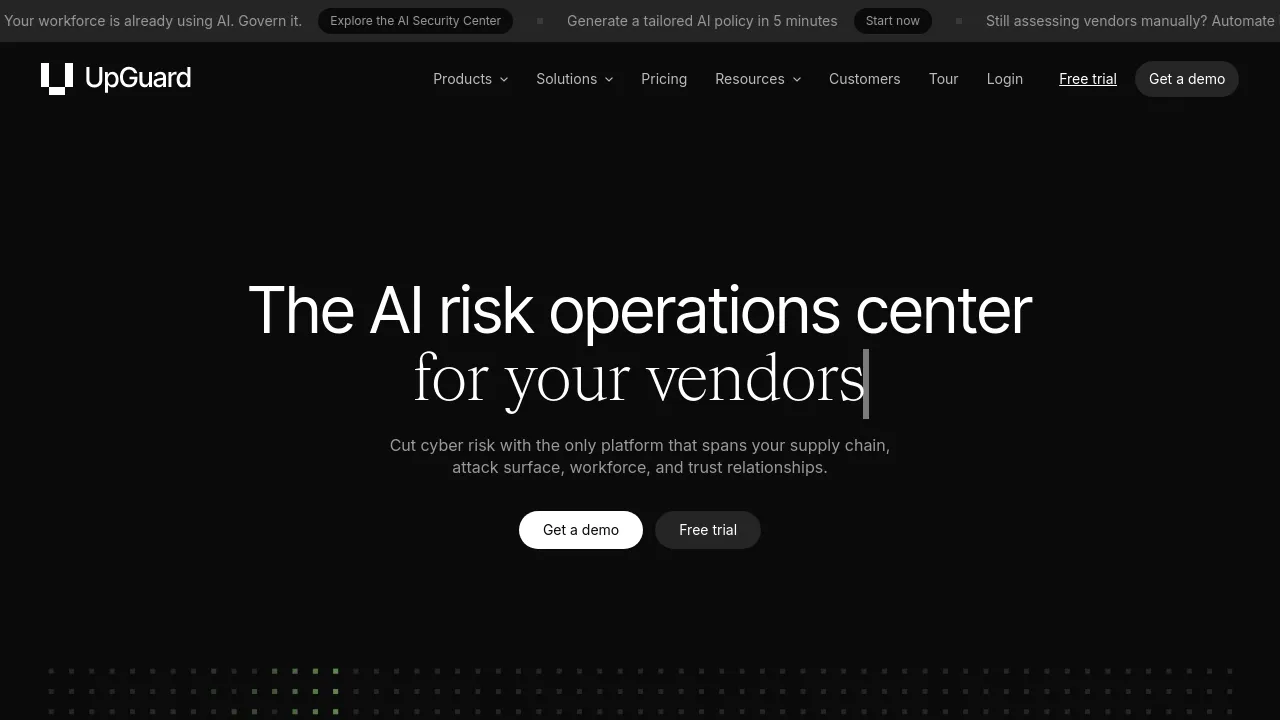
Security ratings / TPRMUpGuard is primarily a third-party risk management (TPRM) and attack surface monitoring platform. Its questionnaire answering capability lives inside Trust Exchange, a separate product launched in November 2025. Trust Exchange offers a free tier (capped at 1 questionnaire import per month) and a paid tier at approximately $600/month for 15 imports per month.
At a glance
| Comparison point | ResponseHub | UpGuard |
|---|---|---|
| Published pricing | Starter $124/mo, Business $332/mo | Free tier (1 import/mo); paid ~$600/mo; core platform from $1,599/mo |
| Usage limits | Unlimited questionnaires, no credits | Capped: 1 or 15 imports/month by tier |
| Ideal team size | Any, from solo operators to large teams | Enterprise teams on UpGuard's TPRM platform |
| AI citations | Exact policy, page, section, sentence + confidence scores | AI-suggested answers; citation granularity not documented |
| Questionnaire formats | xlsx, docx, online portals via Chrome extension | Spreadsheet import; format support not fully documented |
| Round-trip export | Yes — preserves the buyer's formatting | Export available; format details vary |
| Free trial | 7 days, self-serve, no sales call | Free tier with 1 import/month cap |
| Data residency & AI training | EU-hosted, zero AI data retention | US-hosted |
Competitor pricing and limits as publicly reported, August 2026.
How they compare, dimension by dimension
Pricing & usage limits
ResponseHub charges $124/month or $332/month depending on team size, and every plan includes unlimited questionnaire processing. No credits, no per-questionnaire fees. You pay for Editor seats; Viewer seats are free.
UpGuard's Trust Exchange free tier sounds appealing until you realize it allows exactly one questionnaire import per month. The paid tier bumps that to 15 imports for approximately $600/month. If your team handles more than 15 questionnaires a month (and many B2B SaaS companies do, especially during busy quarters), you're either paying for overages or waiting until next month. And that $600 doesn't include the core UpGuard platform, which starts from $1,599/month if you want the TPRM and attack surface features.
For a team whose primary pain is questionnaire volume, ResponseHub costs less and removes the cap entirely.
AI answer quality & citations
ResponseHub's AI is built on a RAG pipeline (retrieval-augmented generation) that pulls answers directly from your uploaded policies and past completed questionnaires. Every answer cites the exact policy name, page, section, and sentence it drew from, along with a confidence score. Low-confidence answers get flagged so a human reviews only what actually needs attention.
UpGuard Trust Exchange uses AI to suggest answers, and reviewers on G2 have noted that AI features on the platform tend to score below the core TPRM product's ratings. The specifics of how Trust Exchange cites source material are not well documented publicly, which makes it harder to evaluate trust in its outputs before purchasing.
If audit trails and verifiable accuracy matter to your compliance or security team (and they should), the citation depth in ResponseHub is a clear differentiator.
Format support & workflow
Security questionnaires arrive in messy formats.
ResponseHub handles Excel spreadsheets (xlsx), Word documents (docx), and online security portals via a Chrome extension that extracts questions directly from the web-based platforms enterprise buyers increasingly use. Its extraction engine is built to handle real-world chaos: multiple choice options, not-applicable questions, missing column headers, and unfamiliar layouts. Round-trip export pushes answers back into the buyer's original file format, preserving their formatting.
UpGuard Trust Exchange supports questionnaire import, but detailed documentation on which formats it handles and how it manages formatting on export is limited. If your buyers send you questionnaires through online portals (and more of them do every quarter), confirm with UpGuard whether Trust Exchange supports that workflow before committing.
Knowledge base & self-improvement
ResponseHub's knowledge base improves with every completed questionnaire. Answers your team approves feed back into the system, so the next time a similar question appears, the AI draws from a richer, more accurate pool. Built-in deduplication identifies duplicate and stale answers, keeping the knowledge base clean. You can seed it on day one by importing your existing answer library, old completed questionnaires, and policy documents.
UpGuard Trust Exchange offers a shared repository of trust artifacts (policies, certifications, questionnaires), but its knowledge base is oriented more toward outbound trust sharing than inbound questionnaire automation. The self-improving feedback loop that makes a dedicated questionnaire tool faster over time is not a prominent feature of Trust Exchange's design.
Product focus & ecosystem
This is the honest fork in the road.
ResponseHub does one thing: questionnaire automation. It is not a TPRM platform. It does not monitor your attack surface. It exists because questionnaire answering deserves a dedicated, well-built tool instead of being a checkbox feature inside a larger suite. For teams whose bottleneck is answering questionnaires (not evaluating vendors), that focus translates to faster setup, better AI accuracy, and fewer features you'll never open.
UpGuard offers a mature, well-regarded TPRM and attack surface management platform. If you already run UpGuard for vendor risk scoring, external scanning, and breach detection, adding Trust Exchange keeps everything under one vendor. That has real value for enterprise procurement and SSO management.
What teams say about ResponseHub
We'd just finished a questionnaire manually and figured we'd keep powering through. Two or three questionnaires later it was obvious that wasn't sustainable.

Pros and cons
ResponseHub
- Unlimited usage at every price point. No import caps, no credits, no surprise overages. Your team can process as many questionnaires as they need.
- Deep AI citations. Every answer links to the exact policy, page, section, and sentence, plus a confidence score. Reviewers know exactly what to trust and what to check.
- Self-improving knowledge base. Every approved answer makes the next questionnaire faster. Deduplication keeps answers clean over time.
- Self-serve onboarding. 7-day free trial, set up in under 5 minutes, no sales call required. You can evaluate it during a lunch break.
- EU data residency. Hosted on DigitalOcean (EU) with AI via AWS Bedrock (EU regions), zero data retention, and no training on customer data.
- Not a TPRM platform. If you also need vendor risk scoring, attack surface monitoring, or breach detection, you'll need a separate tool for that.
- Smaller brand footprint. UpGuard has years of enterprise presence and a large G2 review base. ResponseHub is a newer, focused product and may require more internal justification at large organizations.
- No built-in compliance certification tracking. ResponseHub helps you answer questionnaires about your certifications; it doesn't manage the certification process itself.
UpGuard
- Comprehensive TPRM suite. Attack surface management, vendor risk scoring, breach detection, and data leak monitoring are strong, well-reviewed capabilities.
- Free tier exists. If you genuinely only need to answer one questionnaire per month, Trust Exchange's free tier costs nothing.
- Enterprise brand recognition. UpGuard is widely known in the security and risk space. Procurement teams at large companies may already have it on their approved vendor list.
- Trust sharing ecosystem. Trust Exchange lets you proactively share security posture with prospects, which can speed up the early stages of due diligence.
- Strict import caps. The free tier allows only 1 questionnaire import per month. The paid tier caps at 15. For teams handling serious volume, that's a ceiling you'll hit.
- AI maturity gap. G2 reviewers have rated UpGuard's AI capabilities below its core platform features. Trust Exchange launched recently and may still be catching up.
- High total cost. Trust Exchange paid tier is approximately $600/month, and the broader UpGuard platform starts at $1,599/month. If you only need questionnaire answering, that spend is hard to justify.
- Questionnaire answering is a side product. Trust Exchange is not UpGuard's primary focus. Feature development, roadmap priority, and support responsiveness may reflect that.
What it costs
ResponseHub publishes its pricing: Starter at $124/month (2 Editor seats) and Business at $332/month, with unlimited usage on every plan and free Viewer seats. UpGuard's Trust Exchange has a free tier capped at 1 questionnaire import per month and a paid tier at approximately $600/month for 15 imports — and the core UpGuard platform starts from $1,599/month on top of that.
See full pricingSwitching from UpGuard?
- Import your existing answer library and past completed questionnaires — export them from UpGuard in a standard format and seed your ResponseHub knowledge base from day one.
- Upload your security policies as PDFs and the AI starts citing them immediately.
- The Chrome extension extracts questions from web-based security portals, and round-trip export returns Excel and Word questionnaires in the buyer's original formatting.
- 7-day free trial, fully self-serve — no sales call, set up in under 5 minutes.
Which should you pick?
Our honest recommendation by situation.
At this volume, UpGuard's 15-import cap on the paid tier starts to feel tight, and the free tier is a non-starter. ResponseHub's unlimited usage means your team can process every questionnaire that comes in without watching a counter. The self-improving knowledge base also pays off quickly at higher volumes: repeated questions get faster with every cycle.
If your organization already pays for UpGuard's BreachSight or Vendor Risk products, adding Trust Exchange keeps your vendor risk data and questionnaire workflow in one place. The incremental cost of Trust Exchange is easier to justify when the core platform is already budgeted and deployed, and consolidating vendors simplifies procurement.
UpGuard Trust Exchange's free tier handles 1 import per month at zero cost, which may be enough for very early-stage teams if cost is the only priority. But if questionnaires are blocking deals and you need cited, accurate answers fast, ResponseHub's Starter plan at $124/month delivers far more capability than a free tier with a single import.
ResponseHub offers a dedicated MSSP version with multiple separate client accounts under one relationship, so you can manage each client's knowledge base and questionnaires independently. UpGuard's platform is designed around the end-customer's own subscription; an MSSP cannot simply buy Trust Exchange and operate it on behalf of clients who don't already use UpGuard. ResponseHub's MSSP model lets your team scale across clients without requiring each one to buy a separate platform subscription.
Your buyers are asking detailed questions about specific controls (SOC 2 Trust Services Criteria, ISO 27001 Annex A). ResponseHub's citation engine traces every answer to the exact section of your uploaded policy, which gives you confidence when a buyer's security team follows up asking for proof. The per-answer confidence scores also help you prioritize: you review the gaps, not the 200 questions the AI already nailed.
For teams whose primary bottleneck is answering security questionnaires, RFPs, and DDQs, ResponseHub is the stronger pick. It costs less, removes usage caps, provides verifiable AI citations, and improves with every questionnaire you complete. UpGuard is a strong TPRM platform, and Trust Exchange makes sense as an add-on if you're already embedded in that ecosystem, but it's not built to be your primary questionnaire automation tool.
If you want to see the difference for yourself, start a free trial of ResponseHub: no sales call needed, completely self-serve, and you can be up and running in under 5 minutes.
Frequently asked questions
Does UpGuard Trust Exchange have a free plan?
Yes. UpGuard Trust Exchange offers a free tier, but it is capped at 1 questionnaire import per month. If your team handles more than occasional questionnaires, you will quickly need the paid tier (approximately $600/month for 15 imports) or a tool with unlimited usage like ResponseHub.
Can I migrate my existing answers from UpGuard to ResponseHub?
ResponseHub lets you import your existing answer library and previously completed questionnaires to seed the knowledge base. If you can export your answers from UpGuard in a standard format, you can bring that history into ResponseHub and start building on it from day one.
Is UpGuard worth it if I only need questionnaire automation?
Probably not. UpGuard's core value is TPRM and attack surface management, which starts at $1,599/month. Trust Exchange adds approximately $600/month on top for 15 questionnaire imports. If questionnaire answering is your main need, ResponseHub delivers unlimited usage starting at $124/month with deeper AI citations.
Does ResponseHub handle online security portals like UpGuard does?
Yes. ResponseHub includes a Chrome extension that extracts questions directly from web-based security portals. It also handles Excel and Word questionnaires with round-trip export that preserves the buyer's original formatting.
Get Started
Get started in under 5 minutes with our self-serve trial or contact us for a demo
- 7-day free trial
- Cancel anytime
- Full product