

Your copilot for security questionnaire portals
Extract questions, draft answers from your Knowledge Base and inject them straight back into the page. Tested against leading portals like OneTrust, Archer, Whistic and ProcessUnity.
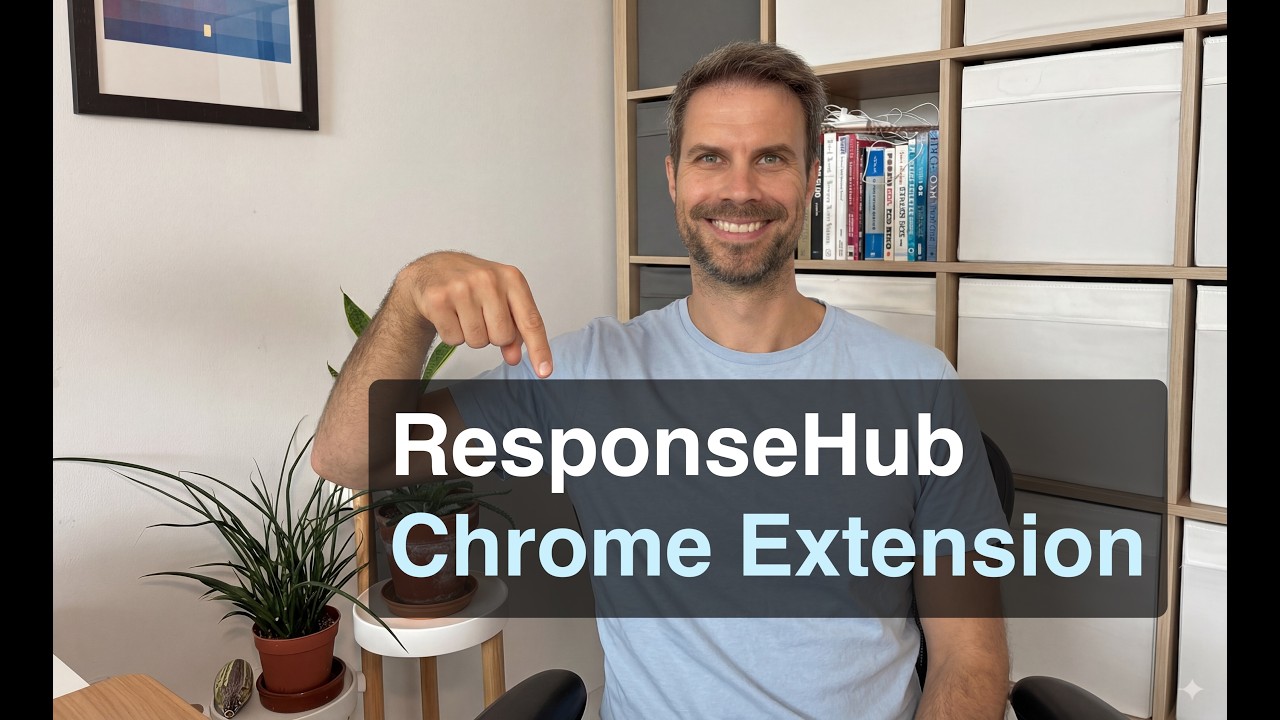
See the Chrome Extension in action
Watch the extension extract questions from a web portal, draft answers from the Knowledge Base and fill them back into the page.
Security questionnaire portals are painful
More and more customers send their security reviews through web portals. They are built for the buyer, not for the team answering the questions.
Hard to collaborate
Portal logins are usually tied to one person, so the whole questionnaire lands on whoever has the credentials. There is no easy way to delegate questions to the rest of the team.
Lots of copying and pasting
Every answer means switching between the portal, your knowledge base and old documents, then pasting the result into the right field without losing formatting.
Time consuming to navigate
Multi-page forms, dropdowns, save buttons and session timeouts. Just moving through a portal questionnaire takes real time before you have answered a single question.
Answers disappear into the portal
Once you submit, your answers live in someone else’s system. Nothing flows back into your knowledge base, so the next questionnaire starts from scratch again.
How the Chrome Extension works
Portal questionnaires are treated like any other questionnaire. They are visible in ResponseHub, you can see previous answers, and you can pull answers back into your Knowledge Base afterwards.
Install and log in
Install the extension from the Chrome Web Store and log in with your ResponseHub account.
Extract the questions from the page
Open the questionnaire in the portal and the extension identifies and extracts the questions on the page.
Answer in the extension or in ResponseHub
Draft answers right there in the extension, or work through the questionnaire back in ResponseHub with your whole team.
Inject the answers back into the page
When you are ready, the extension fills your answers into the right fields on the page. No copy-pasting between tabs.
Want the full walkthrough?
Our help center covers installing the extension, extracting questions and syncing answers back to any portal, step by step.
See the Chrome Extension working in your portal
Get started in under 5 minutes with our self-serve trial or contact us for a demo.
Portal questionnaires, with and without the extension
The portal itself does not change. What changes is how much of the work you have to do inside it.
What the extension changes about portal questionnaires
Collaborate better
The portal login is no longer a bottleneck. The whole team can contribute answers in ResponseHub while one person handles the portal.
Complete them quicker
Extraction and injection replace the copy-paste marathon, so portal questionnaires get done in hours instead of days.
Continue to build your Knowledge Base
Answers from portal questionnaires flow back into your Knowledge Base, so every portal you complete makes the next one faster.
Frequently asked questions
Where can I find the extension?
The extension is available on the Chrome Web Store. Install it, log in with your ResponseHub account and you are ready to go.
Is there an additional fee for using the extension?
No, the Chrome Extension is included on every ResponseHub plan at no extra cost.
Is it available for other browsers?
The extension is only available for Chrome at the moment.
Can I use the extension without ResponseHub?
No. The extension needs a ResponseHub account, because your answers are drafted from your Knowledge Base and your completed portal questionnaires are saved back into ResponseHub.
Book a demo
Pick a time that works for you
Grab a 30-minute slot straight from the calendar. No forms, no waiting on a reply.
Book a demo