

ResponseHub vs ChatGPT: Can a Chatbot Handle Security Questionnaires?
ChatGPT is the right choice if you see 2 or 3 questionnaires a year and can afford to hand-check every answer. ResponseHub is the right choice once questionnaires arrive monthly: it grounds every answer in your own policies with exact citations, flags what needs review, and puts answers back into the buyer's original spreadsheet — $124/month, unlimited usage, 7-day self-serve trial.
If your team answers security questionnaires with ChatGPT today, you are in the majority, and it sort of works. This page compares that workflow against ResponseHub, a tool built only for security questionnaires, RFPs, and DDQs, so you can decide when the chatbot stops being enough.
This choice is the kitchen knife versus the scalpel: both cut, but only one was designed for surgery. The general tool gets you surprisingly far, right up until precision starts to matter.
This page compares both across answer accuracy, spreadsheet handling, knowledge that compounds, team workflow, and what it really costs, so you can decide whether a chat window is still enough for the questionnaires landing in your inbox.
See also: How ResponseHub compares to purpose-built rivals · ResponseHub vs Claude
Which one is right for you?
Choose ResponseHub if…
- Questionnaires arrive monthly or more: at 4+ a month, the copy-paste and verification overhead of a chatbot costs more in hours than ResponseHub costs in dollars.
- You need answers grounded in your actual policies, cited to the exact policy, page, section, and sentence, with a per-answer confidence score.
- You want answers back inside the buyer's original spreadsheet or portal: round-trip export and a Chrome extension cover both ends of the pipeline.
- You're an MSSP or vCISO answering for multiple clients and need separate client accounts with per-client knowledge bases.
Choose ChatGPT if…
- You see 2 or 3 questionnaires a year and can afford to hand-check every answer.
- You want one general-purpose assistant for everything else your team does, and the Free tier costs nothing.
- You need help drafting a tricky individual response or explaining an unfamiliar framework question.
ResponseHub
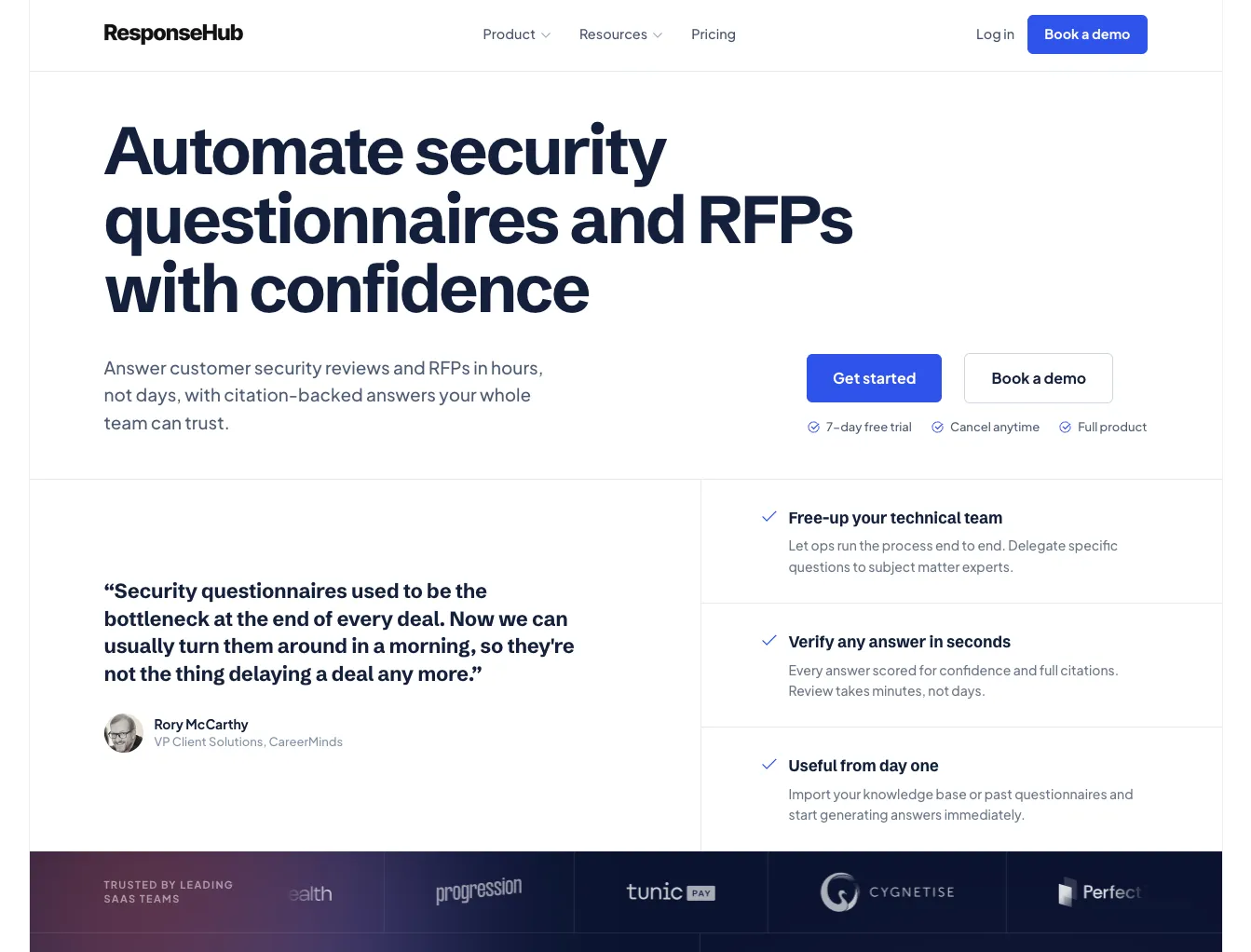
Questionnaire automationResponseHub is a dedicated AI tool for answering security questionnaires, RFPs, and DDQs. Upload your policy PDFs and import past questionnaires, and it drafts answers grounded in your actual documentation, citing the exact policy, page, section, and sentence behind each one, with a per-answer confidence score. It ingests Excel and Word questionnaires and online security portals via a Chrome extension, then exports finished answers back into the buyer's original file.
ChatGPT
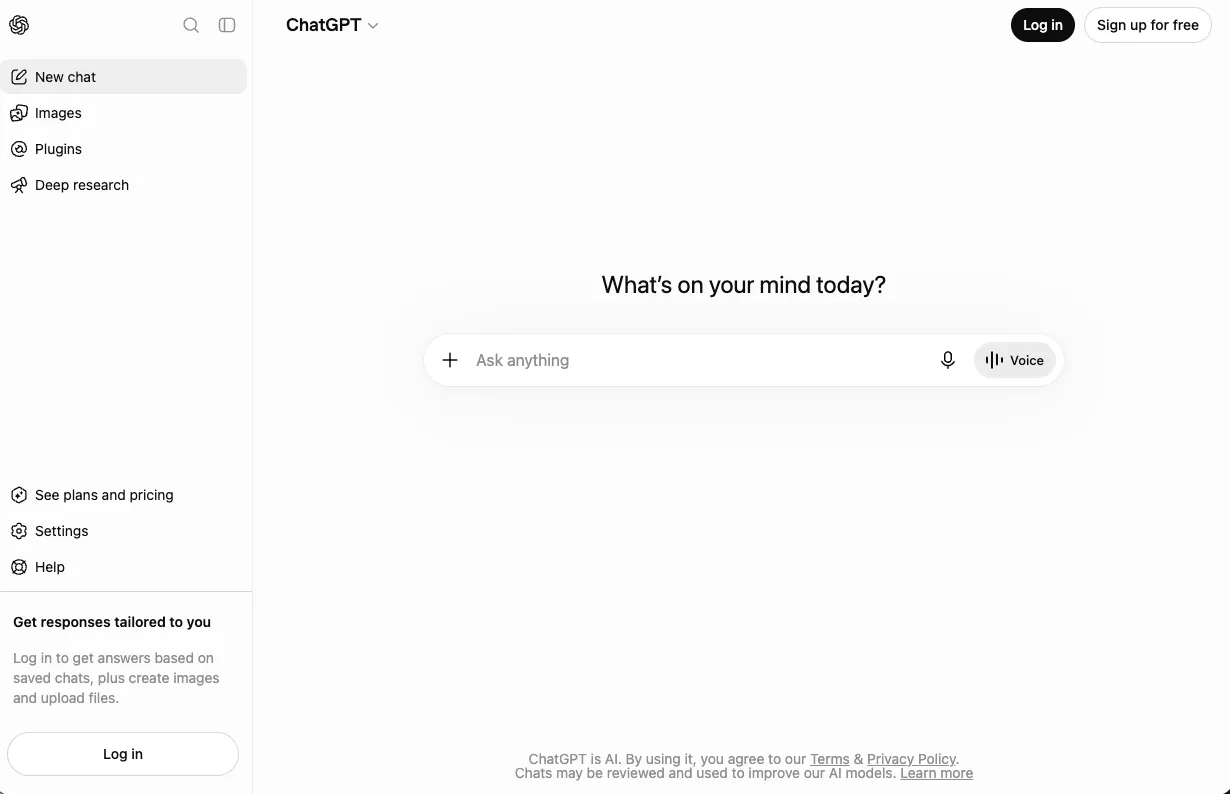
General AI chatbotChatGPT is OpenAI's general-purpose AI assistant, and the de facto status quo for questionnaire answering: paste the question in, get a fluent answer out. Projects let you store reference documents, and file uploads mean it can read a questionnaire spreadsheet. It is not a questionnaire system: there is no citation guarantee, no review workflow, and no export back into the buyer's format.
At a glance
| Comparison point | ResponseHub | ChatGPT |
|---|---|---|
| Published pricing | Starter $124/mo, Business $332/mo | Free; Go $8/mo; Plus $20/mo; Pro $200/mo; Business $25/user/mo |
| Usage limits | Unlimited questionnaires, no credits | Message and context limits by tier |
| Built for | Security questionnaires, RFPs, DDQs | Everything, questionnaires included by accident |
| AI citations | Exact policy, page, section, sentence, plus confidence score per answer | None guaranteed; answers can be fluent and wrong |
| Questionnaire formats | Excel (xlsx), Word (docx), online portals via Chrome extension | File uploads readable; no portal support |
| Round-trip export | Yes, back into the buyer's original file, formatting preserved | No; manual copy-paste |
| Team workflow | Editor/Viewer roles, audit logging | Shared workspaces on Business; no answer review workflow |
| Data training policy | Never trains on customer data; EU hosting, zero AI retention | Consumer tiers may train unless opted out; Business/Enterprise excluded |
| Free trial | 7-day, self-serve | Free tier |
| Best fit | Recurring questionnaire volume | 2-3 questionnaires a year |
Competitor details last verified: August 2026.
How they compare, dimension by dimension
The Hallucination Problem
This is the gap that matters most. Ask ChatGPT whether you encrypt data at rest and it will answer confidently, whether or not your policy says so. On a security review, a fluent wrong answer is not a typo, it is a misrepresentation to a customer, and nobody catches it until an auditor does.
ResponseHub only drafts answers from your uploaded policies and past questionnaires, and shows its work: every answer cites the exact policy, page, section, and sentence it came from, with a confidence score that routes human attention to the answers that actually need it.
ChatGPT can be prompted to quote your documents in a Project, but there is no guarantee, no confidence signal, and no way to know which of 300 answers it improvised. You end up reviewing everything, which was the job you were trying to escape.
The Spreadsheet Round-Trip
Questionnaires do not arrive as tidy prompts. They arrive as 300-row spreadsheets with merged cells, multiple-choice columns, missing headers, and a buyer who expects their exact template back.
ResponseHub's extraction engine is built for this mess (multiple-choice options, not-applicable questions, unfamiliar layouts), and round-trip export returns your answers inside the buyer's original xlsx or docx with their formatting intact. For portal-based questionnaires, the Chrome extension pulls questions straight from the portal, something ChatGPT cannot see at all.
ChatGPT can read an uploaded xlsx and answer questions about it. Getting 300 answers back into that file is where the workflow collapses: copy, paste, fix formatting, repeat. It sort of works for five questions. It falls apart at fifty.
Knowledge That Compounds
ResponseHub's knowledge base is the product. Every completed questionnaire feeds the next one, built-in deduplication finds duplicate and stale answers, and you can seed it on day one by importing your existing answer library and old questionnaires. The fiftieth questionnaire is faster than the first. With a chatbot, the fiftieth is exactly as manual as the first.
ChatGPT Projects can hold your policy documents, which is genuinely useful and worth conceding. What Projects do not have is an answer library: no record of which answers were approved, no deduplication when the same question arrives phrased six ways, no flag when an answer goes stale after a policy update.
Team Workflow and Data Handling
A questionnaire is a team artifact: someone drafts, someone from security reviews, someone approves.
ResponseHub never trains on customer data, full stop: EU hosting (DigitalOcean), AI via AWS Bedrock EU regions with zero data retention, GDPR compliant with a DPA, plus MFA, role-based permissions, and audit logging.
ChatGPT has no concept of that. Business tier adds shared workspaces and SSO, but there is no per-answer review state and no audit trail of who approved what.
Data handling deserves plain words. On ChatGPT's Free, Go, and Plus tiers, conversations may be used to train OpenAI's models unless you opt out in settings, and pasting security policies into a consumer AI account is exactly the behavior your own security questionnaires ask about. Business and Enterprise tiers are excluded from training by default.
What It Really Costs
ResponseHub's $124/month buys unlimited usage with no per-questionnaire fees, so the price stays flat while the manual hours disappear. One rescued deal covers years of the difference.
On subscription price alone, ChatGPT wins: $20/month for Plus against $124/month for ResponseHub Starter. If that were the whole story, this page would be shorter.
The real cost of the chatbot workflow is time: hours per questionnaire of pasting, reformatting, and hand-verifying every answer because none of them carry citations. At one questionnaire a quarter, that overhead is tolerable. At four a month, you are paying an employee to be middleware.
What teams say about ResponseHub
We weren't sure it would actually save time, or if we'd still have to check each response individually. But reviewing is fast. The citations point to the exact supporting text every time, we're not searching a whole policy.

Pros and cons
ResponseHub
- Grounded, cited answers. Every draft traces to the exact policy, page, section, and sentence, with a confidence score guiding review.
- Round-trip export. Answers return inside the buyer's original spreadsheet or document, formatting preserved.
- Portal support. The Chrome extension extracts questions from web-based security portals.
- Compounding knowledge base. Deduplication, stale-answer detection, and imports of your existing answer library.
- Clean data posture. Never trains on your data, EU residency, zero AI retention, audit logging.
- Single-purpose. No help with marketing copy, code, or anything beyond questionnaires, RFPs, and DDQs.
- Costs more than a chatbot subscription. $124/month versus $20/month, which only pays off with real questionnaire volume.
ChatGPT
- You already have it. No procurement, no new tool, and the Free tier costs nothing.
- Genuinely useful for one-off answers. Strong at drafting a tricky individual response or explaining an unfamiliar framework question.
- General-purpose. The same subscription helps with everything else your team does.
- Projects hold reference documents. A workable lightweight setup for occasional use.
- No citation guarantee. Fluent answers with no source and no confidence signal; every answer needs hand-checking.
- No round-trip export or portal support. The spreadsheet copy-paste is yours to do.
- No answer library or review workflow. Nothing compounds; no audit trail of approvals.
- Consumer tiers may train on your data unless you opt out. Pasting security policies into a personal account undermines the posture you are attesting to.
What it costs
ResponseHub starts at $124/month (Starter, 2 Editor seats) or $332/month (Business), both with unlimited usage and no per-questionnaire fees. ChatGPT's published tiers run from free through Go at $8/month, Plus at $20/month, Pro at $200/month, and Business at $25 per user/month. On subscription price alone ChatGPT wins, but the real cost of the chatbot workflow is hours per questionnaire of pasting, reformatting, and hand-verifying answers that carry no citations.
See full pricingMoving beyond copy-paste with ChatGPT?
- Import your existing answer library and past completed questionnaires to seed the knowledge base on day one.
- Upload your policy documents as PDFs and the AI drafts answers grounded in your own documentation, cited to the sentence.
- Setup is fully self-serve and takes under 5 minutes, no sales call.
- 7-day free trial, so you can put a real questionnaire through it before you commit.
- Keep ChatGPT for drafting policies, emails, and general work; let ResponseHub own the questionnaire pipeline.
Which should you pick?
Our honest recommendation by situation.
At this volume the manual overhead is a rounding error and $124/month is hard to justify. Use a Project with your policies uploaded, prompt it to quote your documents, and budget an afternoon per questionnaire for hand-verification. If volume grows, revisit.
This is the crossover point. At 4+ questionnaires a month, the copy-paste and verification overhead of a chatbot costs more in hours than ResponseHub costs in dollars, and unlimited usage means a heavy quarter does not change the bill. Import your past questionnaires and the knowledge base starts compounding immediately.
If you stay with ChatGPT, use the Business tier at minimum. Never run security questionnaires through a consumer ChatGPT account where training opt-out depends on a settings toggle. ResponseHub's posture is simpler to defend in your own security reviews: no training on customer data, EU hosting, zero AI retention, and a DPA.
Chatbots have no client isolation: mixing five clients' policies in one account is a confidentiality problem waiting to be discovered, and there is no audit trail. ResponseHub's dedicated MSSP version keeps each client in a separate account under one relationship, with per-client knowledge bases.
This is not either/or. Keep ChatGPT for drafting policies, emails, and general work; let ResponseHub own the questionnaire pipeline where grounding, export, and audit trails matter. The two subscriptions together still cost less than one enterprise GRC seat.
ChatGPT made everyone faster at writing, and for the occasional questionnaire it is a fine assistant with a human doing the checking. But security questionnaires are a system problem: extraction, grounding, review, export, and a knowledge base that compounds, and a chat window solves none of that.
If questionnaires arrive monthly, the honest comparison is not $20 versus $124, it is hours of unpaid middleware work versus a tool built for the job. Try ResponseHub free for 7 days: no sales call, completely self-serve, set up in under 5 minutes.
Frequently asked questions
Can ChatGPT fill out a security questionnaire?
It can draft answers if you paste questions in or upload the file, and quality is decent when prompted against your own documents. What it cannot do: guarantee answers come from your policies, cite sources, flag low-confidence answers, fill web portals, or export answers back into the buyer's spreadsheet. Every answer needs manual verification and manual copy-paste.
Is it safe to paste security policies into ChatGPT?
On Free, Go, and Plus tiers, conversations may be used for model training unless you opt out in settings, so treat consumer accounts as unsuitable for sensitive policy documents. ChatGPT Business and Enterprise exclude your data from training by default. ResponseHub never trains on customer data and processes AI in EU regions with zero retention.
How is ResponseHub different from ChatGPT with my policies uploaded?
Grounding and workflow. ResponseHub only answers from your uploaded policies and past questionnaires, cites the exact passage behind every answer, scores its own confidence, and exports answers back into the original file. A ChatGPT Project holds your documents but guarantees none of that, and each questionnaire is as manual as the last.
Should I cancel ChatGPT if I get ResponseHub?
No. They solve different problems. ChatGPT stays useful for general work, drafting policies, and one-off questions. ResponseHub takes over the questionnaire pipeline specifically, where citations, round-trip export, and an audit trail are the point. Many teams run both.
Get Started
Get started in under 5 minutes with our self-serve trial or contact us for a demo
- 7-day free trial
- Cancel anytime
- Full product